Managing Projects · Project Detail
Project Discussion
This article describes the Discussion page in Project Detail mode.
How To
Add a Comment
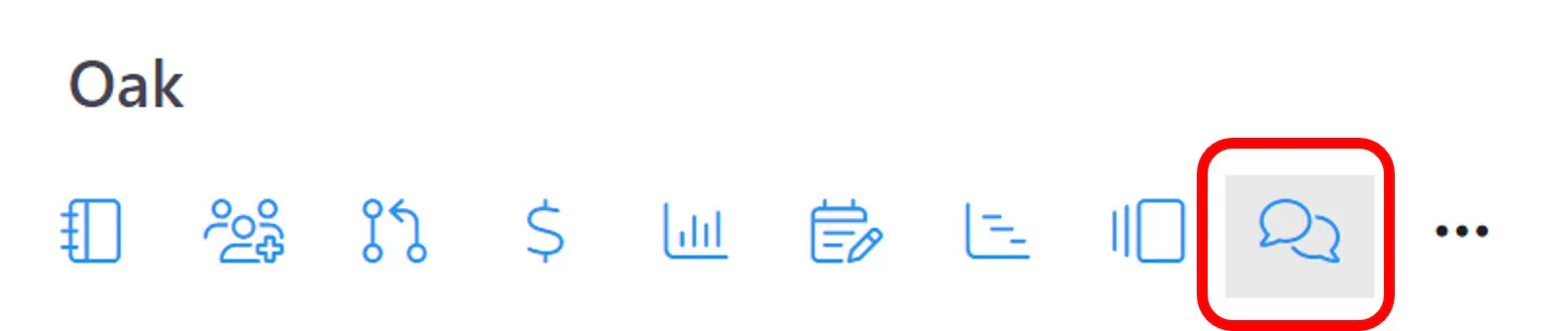
Step1: Drill down to the Project>Detail>Discussion page for the project.
See section Grid Moe vs. Detail Mode in the article ResourceFirst User Interface for how to access Detail mode project pages..
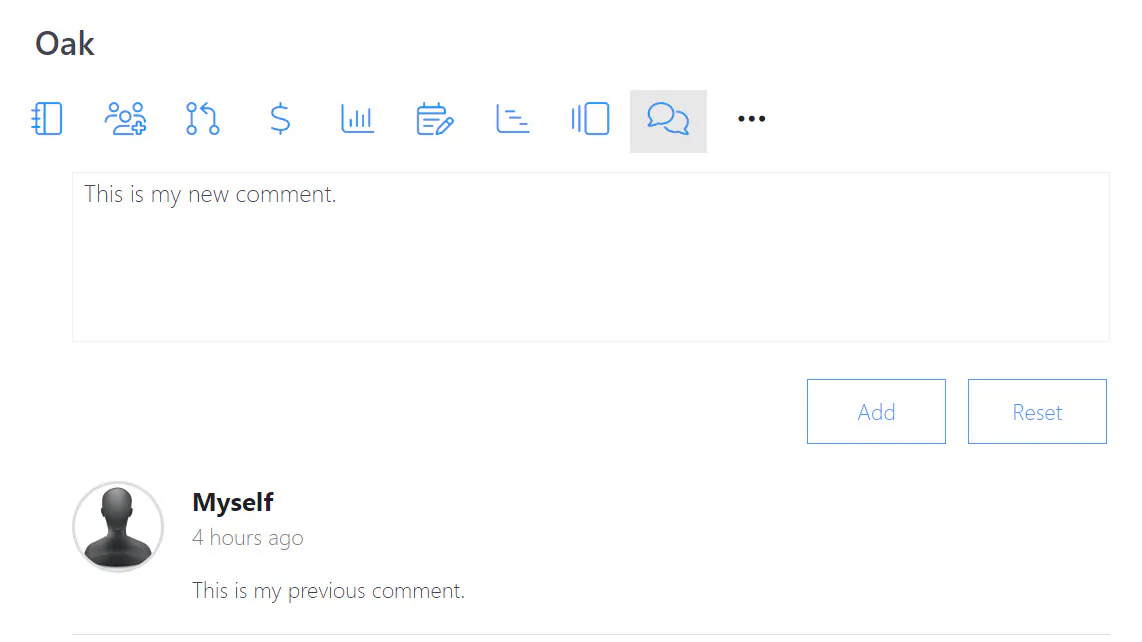
Step 2: Enter a comment in the Add a New Comment box and click the Add button.
Delete a Previous Comment
Step 1: Click the ellipsis (. . .) icon at the far right of the comment.
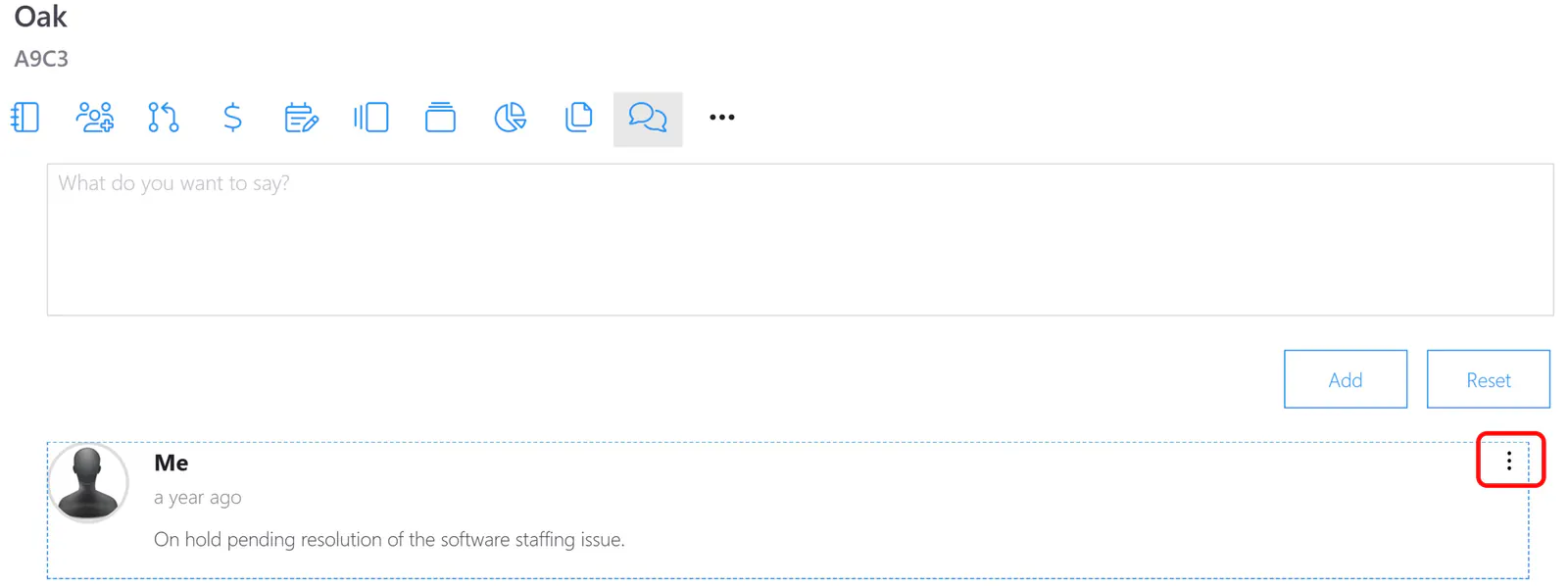
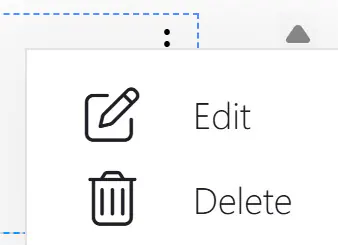
Step 2: Select Delete and click the Yes button in the delete dialog.
Edit a Comment
Step 1: Click the ellipsis (. . .) icon at the far right of the comment.
Step 2: Click the Edit menu and edit the comment in the comment entry box.
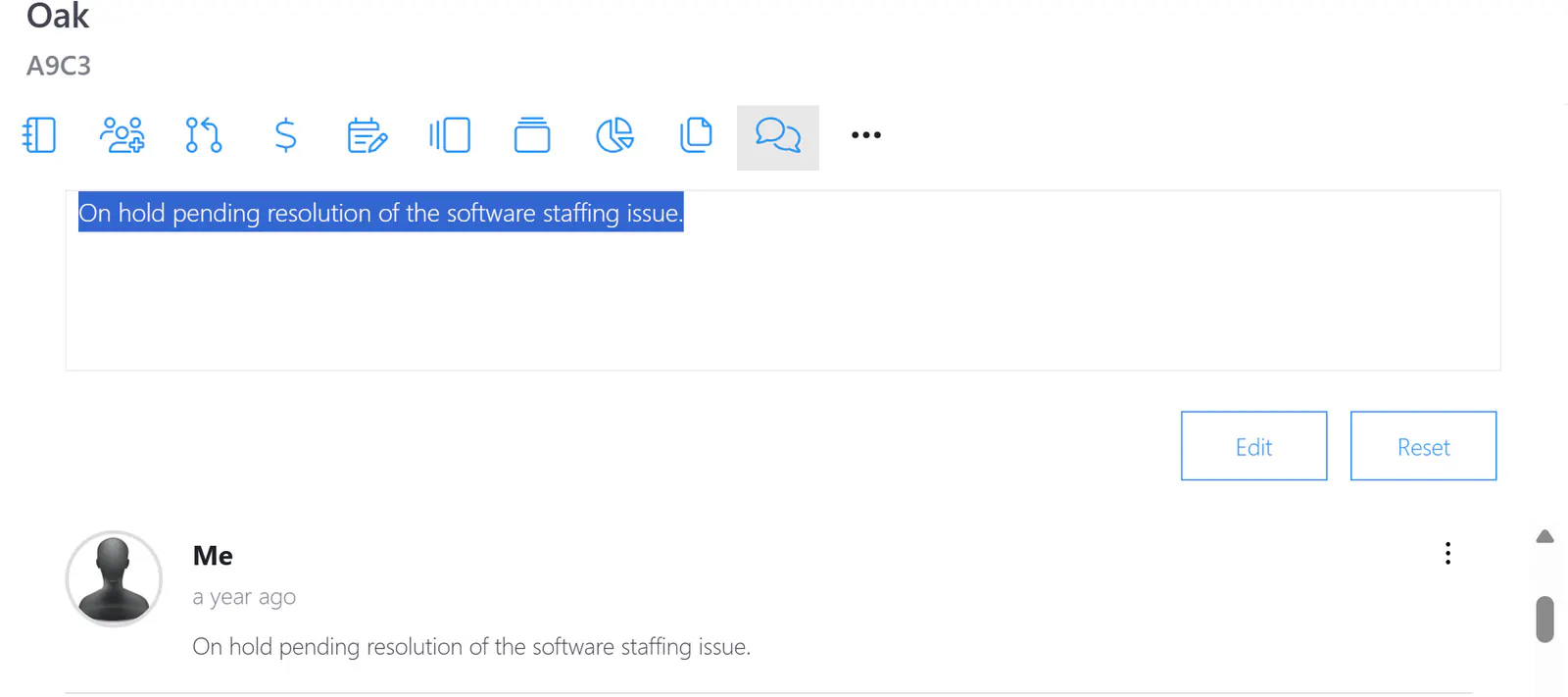
Step 4: Click the Edit button to save the edit or click the Reset button to abort the edit.