Teams and Agile Planning
Managing the Sprint Roadmap
This article shows how to access the Sprint Roadmap, a powerful pictorial view where you can see how user stories align along the sprint timeline, and move stories around as required.
Overview
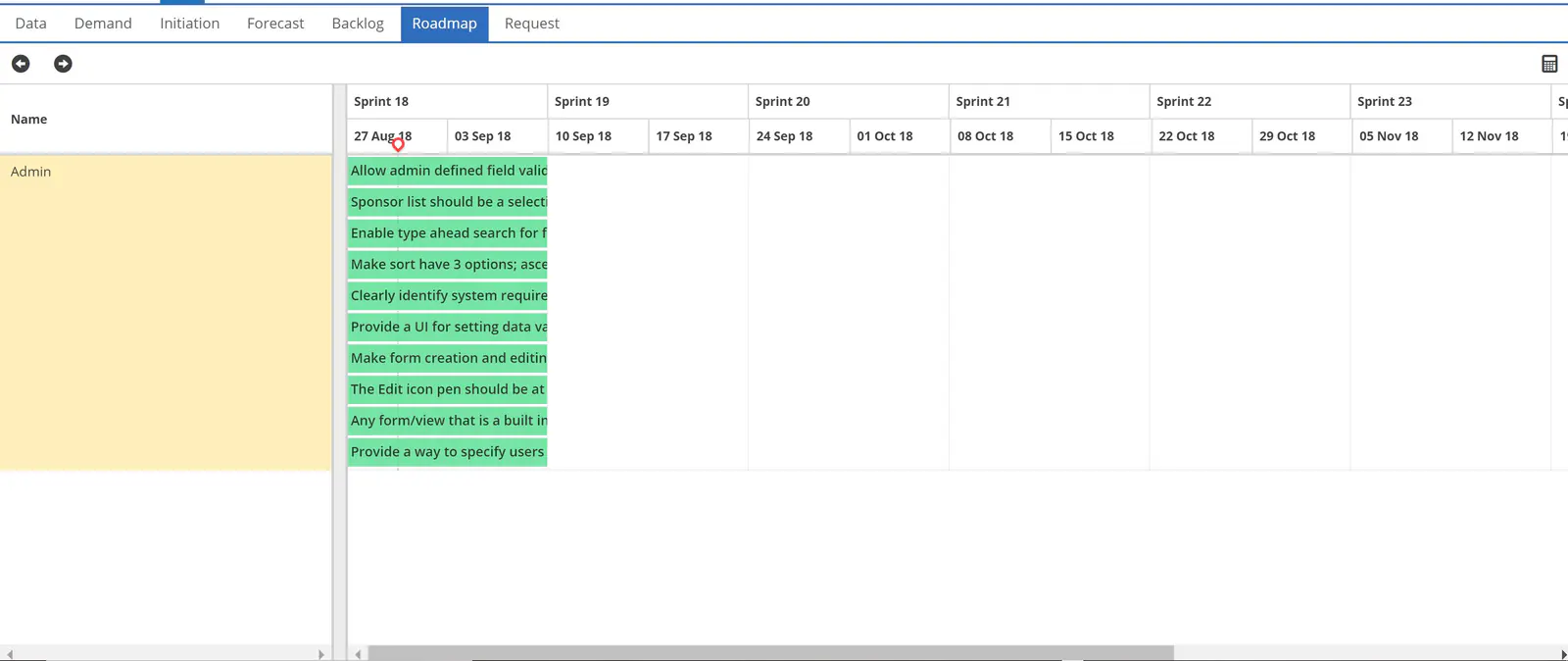
ResourceFirst provides a pictorial Sprint Roadmap, where you can view user stories along the sprint timeline and drag stories to other sprints.
The Sprint Roadmap can be accessed by clicking on the Roadmap menu item in the Project area (the briefcase icon in the blue ResourceFirst application toolbar, in the upper left).
You can step through the timeline using the right and left arrows in the upper left of the screen.
You can drag stories up, down, and sideways to move them high or lower within the sprint or to another sprint.