Administration
Interfaces
This article explains how to view and schedule running interfaces between ResourceFirst and other systems.
Overview
Interfaces are provided by PDWare Consulting to specifications provided by the customer.
How to View Interfaces
Click on Administration>Other>Interfaces.
The existing interfaces are shown in the left pane.
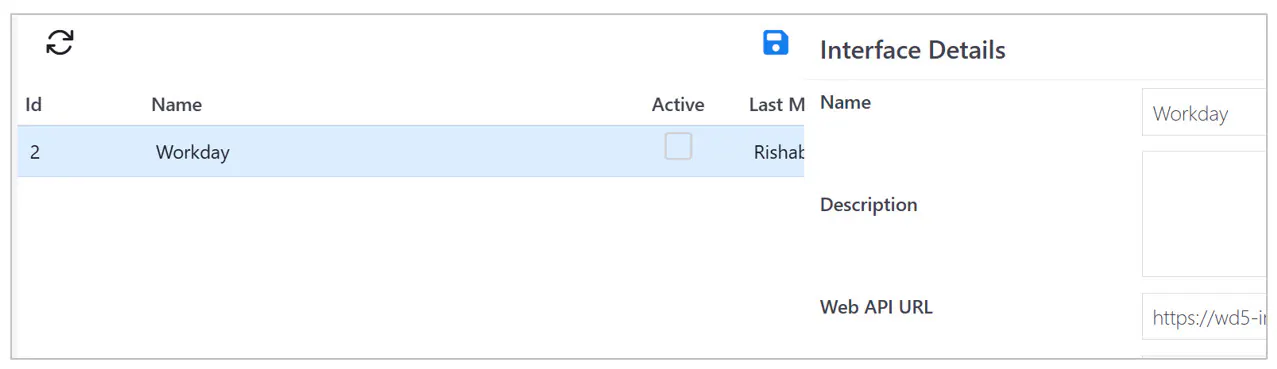
Click on an interface to display the interface specification in the right pane.
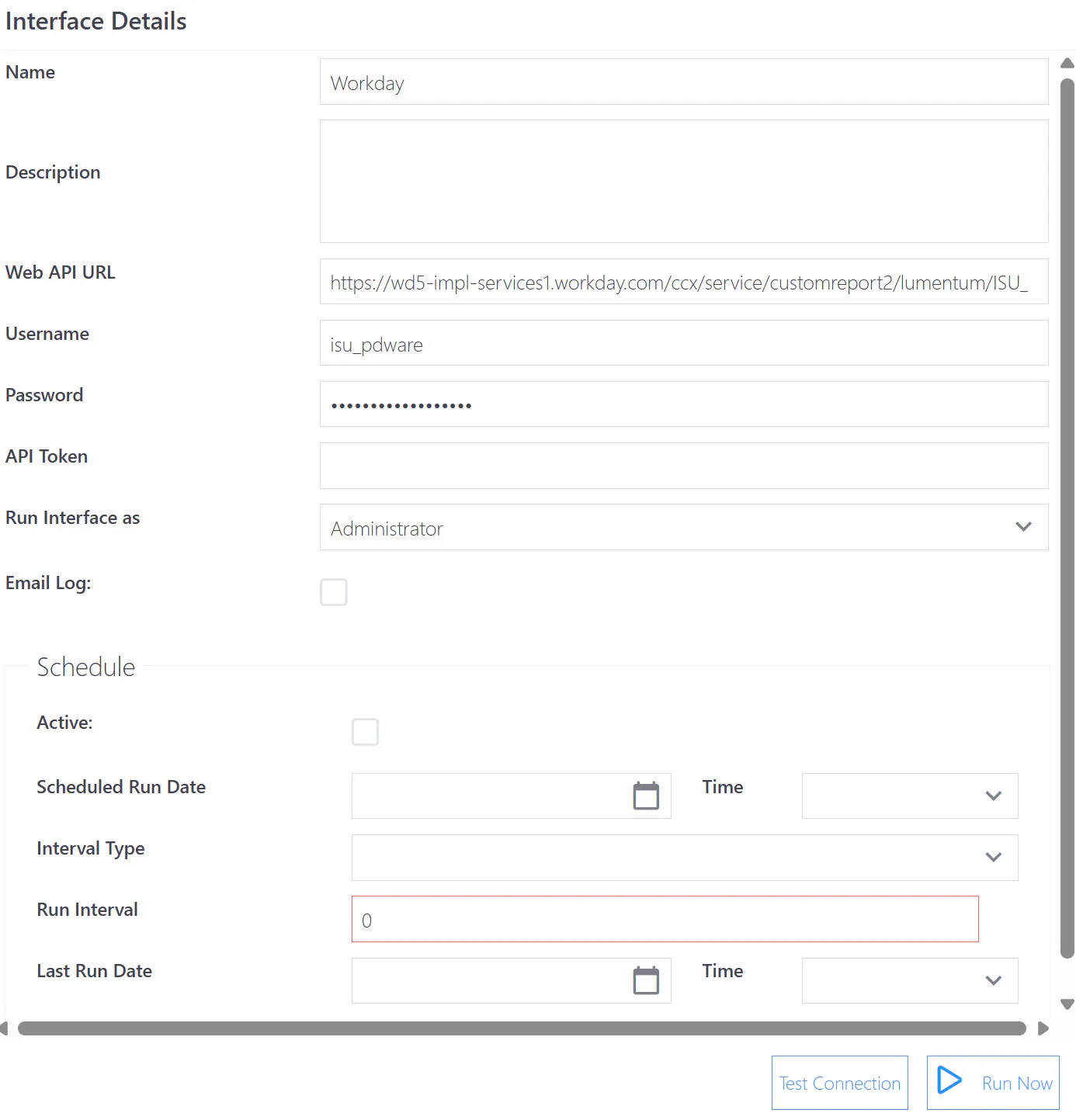
The interface connection can be tested or run using the buttons at the lower right
scheduled for periodic automatic operation.
NOTE: When initially setting up interfaces, please work closely with PDWare Support or Consulting to ensure proper setup. An incorrectly designed interface can cause serious system performance problems.